
Home internet speeds are climbing every year. With more smart TVs, gaming consoles, work-from-home setups, and security devices connected at the same time, choosing the…
View More Wi-Fi 7 vs Wi-Fi 6E: What’s Better for Your Home Network in 2026?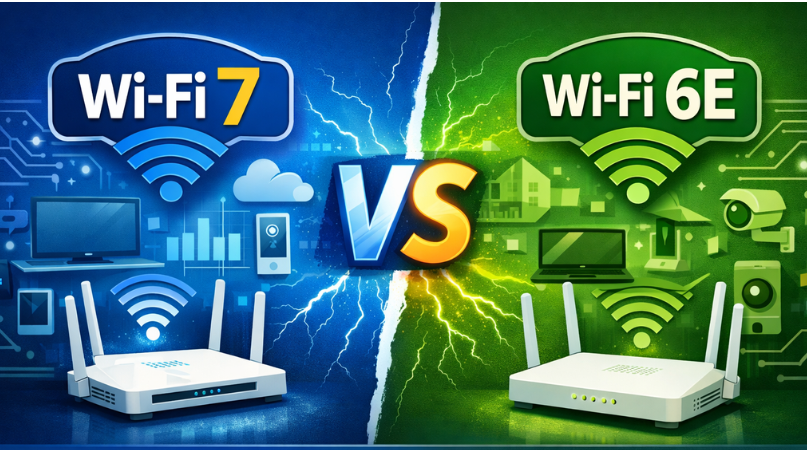
Home internet speeds are climbing every year. With more smart TVs, gaming consoles, work-from-home setups, and security devices connected at the same time, choosing the…
View More Wi-Fi 7 vs Wi-Fi 6E: What’s Better for Your Home Network in 2026?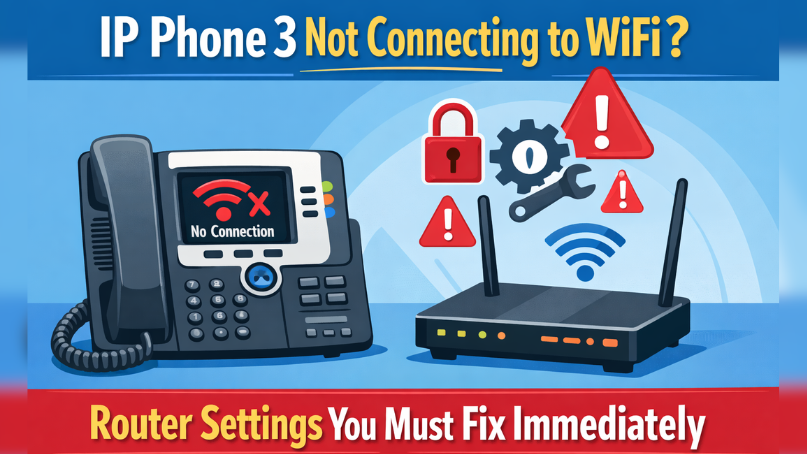
If your ip phone 3 is not connecting to WiFi, the problem is almost never the phone itself. In most U.S. homes and small offices,…
View More IP Phone 3 Not Connecting to WiFi? Router Settings You Must Fix Immediately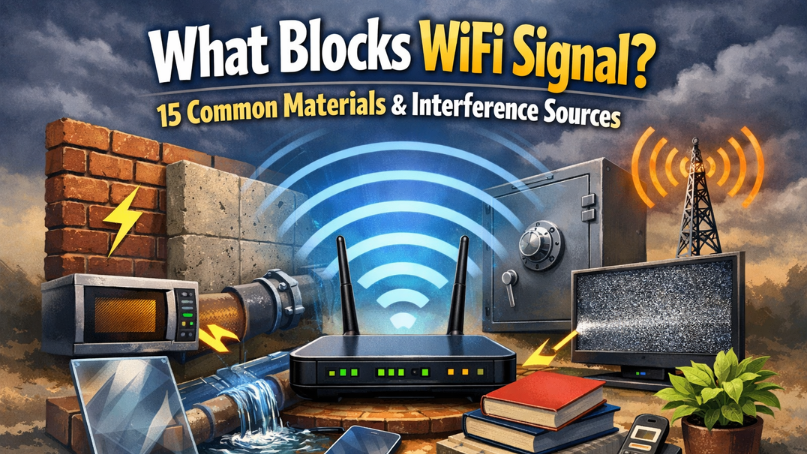
Slow WiFi is not random. If you are asking what blocks WiFi signal, the short answer is this: thick walls, metal, water, appliances, and crowded…
View More What Blocks WiFi Signal? 15 Common Materials & Interference Sources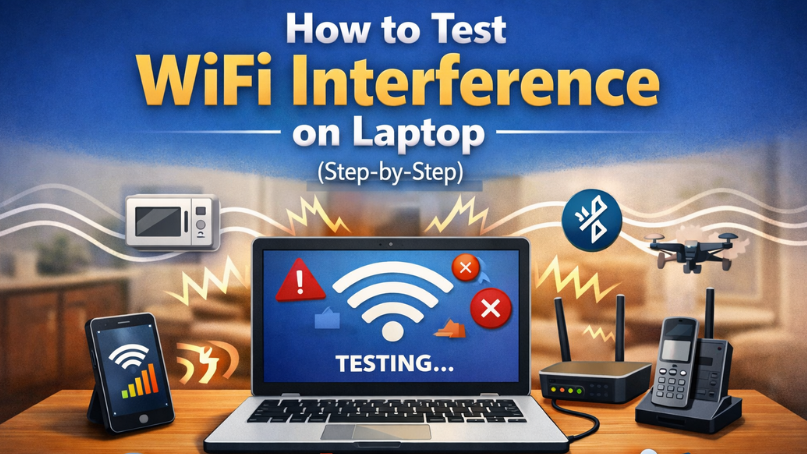
If your internet feels slow, drops during video calls, or works fine in one room but not another, you may be dealing with signal interference.…
View More How to Test WiFi Interference on Laptop (Step-by-Step)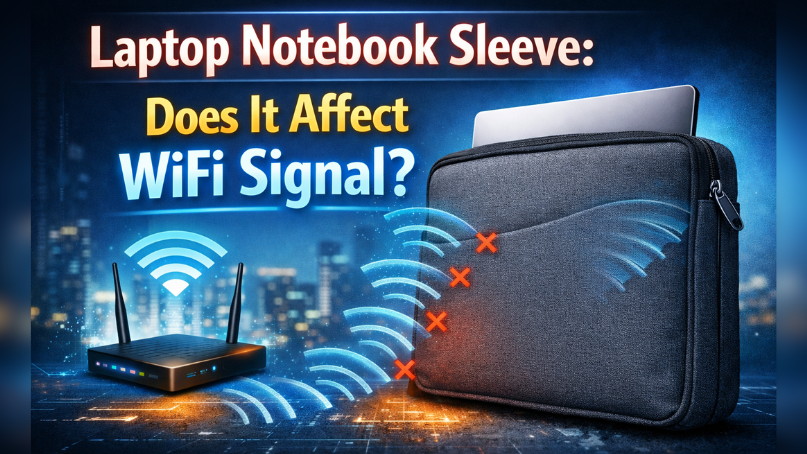
You bought a laptop notebook sleeve to protect your device. Then one day, your WiFi slows down. Now you’re wondering: Is my sleeve blocking the…
View More Laptop Notebook Sleeve: Does It Affect WiFi Signal?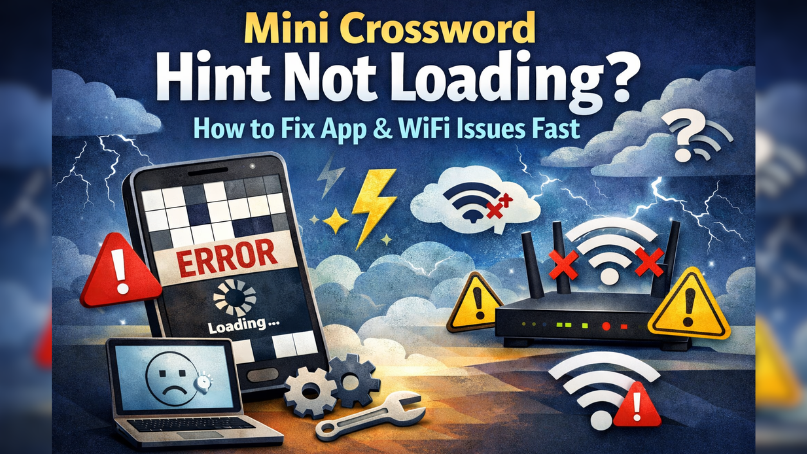
If your mini crossword hint is not loading, freezing, or spinning forever, the problem is usually your connection not the puzzle. In most U.S. households,…
View More Mini Crossword Hint Not Loading? How to Fix App & WiFi Issues Fast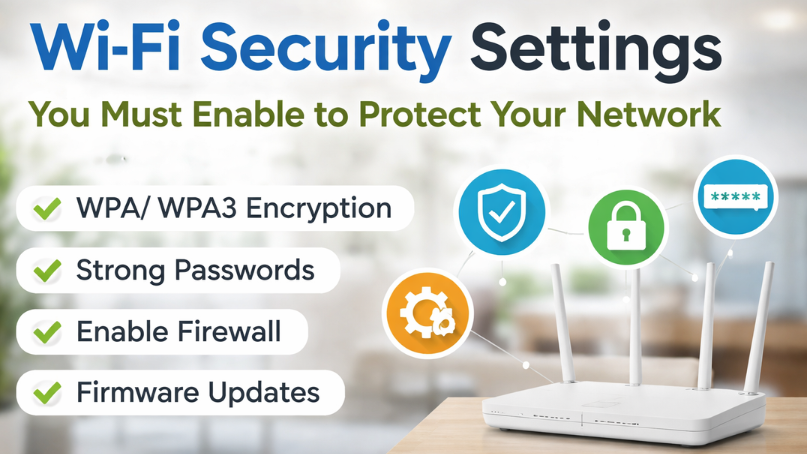
A home Wi-Fi network connects everything from smartphones and laptops to smart TVs and security cameras. While convenience is high, security risks are often ignored.…
View More Wi-Fi Security Settings You Must Enable to Protect Your NetworkVisitors to Wificrunch.com frequently search for solutions when their WiFi extender shows a flashing red or amber LED. This indicator signals a connection or signal…
View More What Flashing Red or Amber LED Means on WiFi Extenders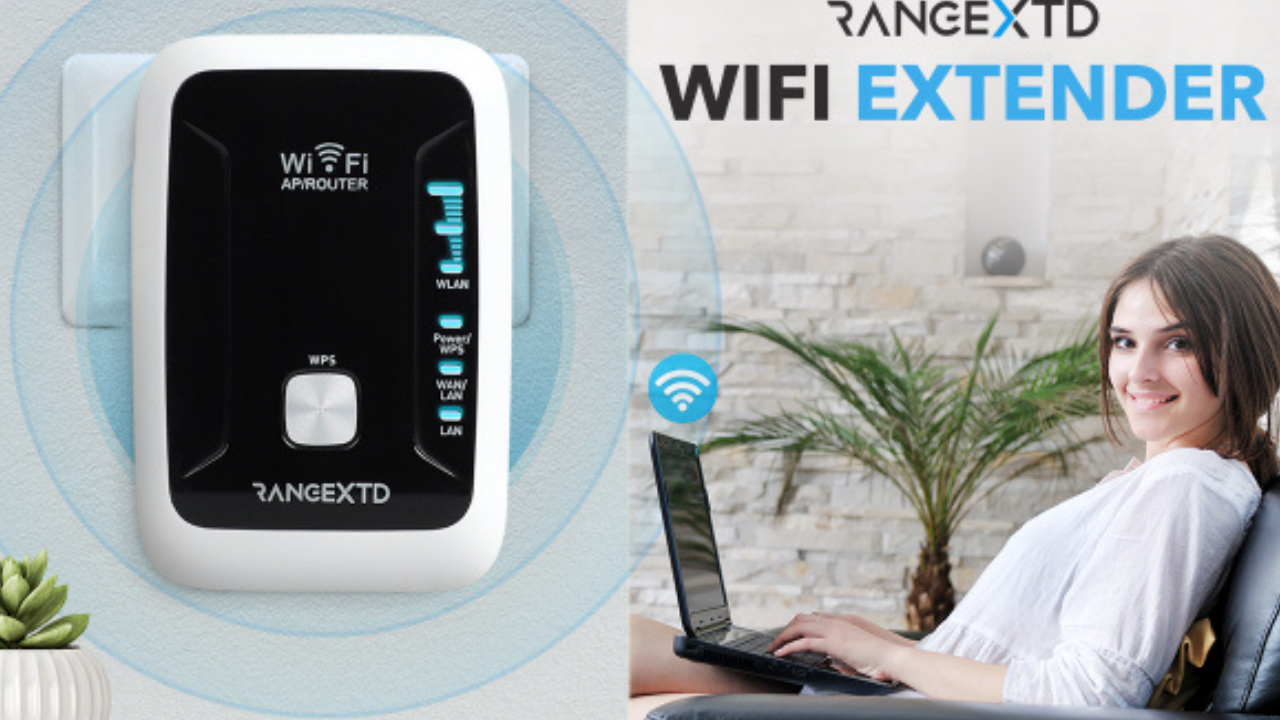
Setting up a RangeXTD WiFi Extender can help boost your wireless network’s coverage and improve connectivity in areas with weak signals. Here’s a step-by-step guide…
View More How to Set Up Your RangeXTD WiFi Extender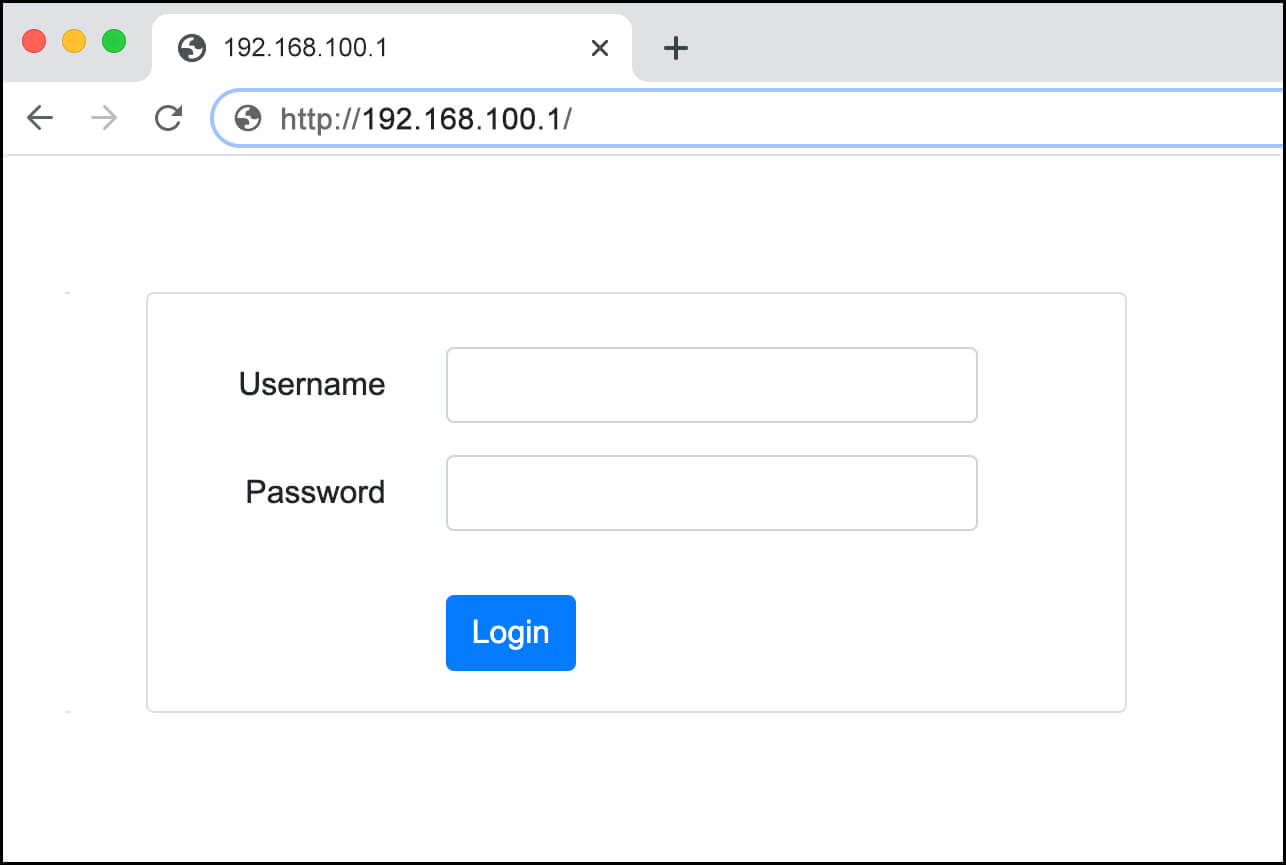
Understanding the 192.168.100.1 IP Address The IP address 192.168.100.1 is commonly used by many routers and modems as the default gateway for accessing the device’s…
View More 192.168.100.1 IP Address admin login and password reset